

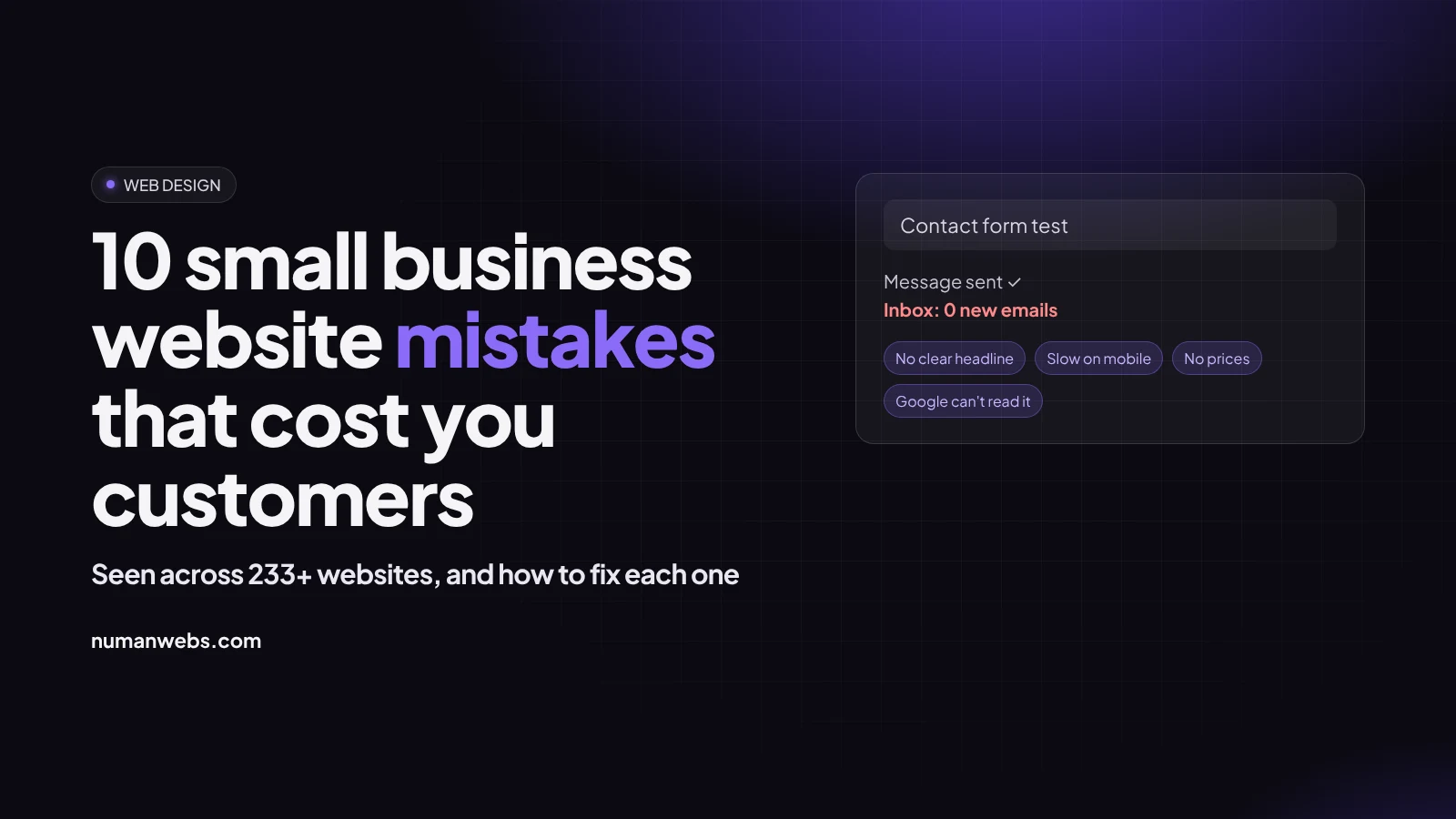
Short answer: the most common small business website mistakes are a homepage that doesn’t say what you do, no clear next step, a contact form nobody tested, hidden prices, a slow mobile experience, no proof, and pages that Google and AI tools can’t read. Each one quietly sends customers to a competitor. The good news: most of them take an afternoon to fix.
I’ve launched 233+ websites, and many of the sites that land on my desk for a rescue have the same handful of problems. They usually look fine. They just don’t turn visitors into calls. Here are the 10 small business website mistakes I see most, and what to do about each one.
In this guide:
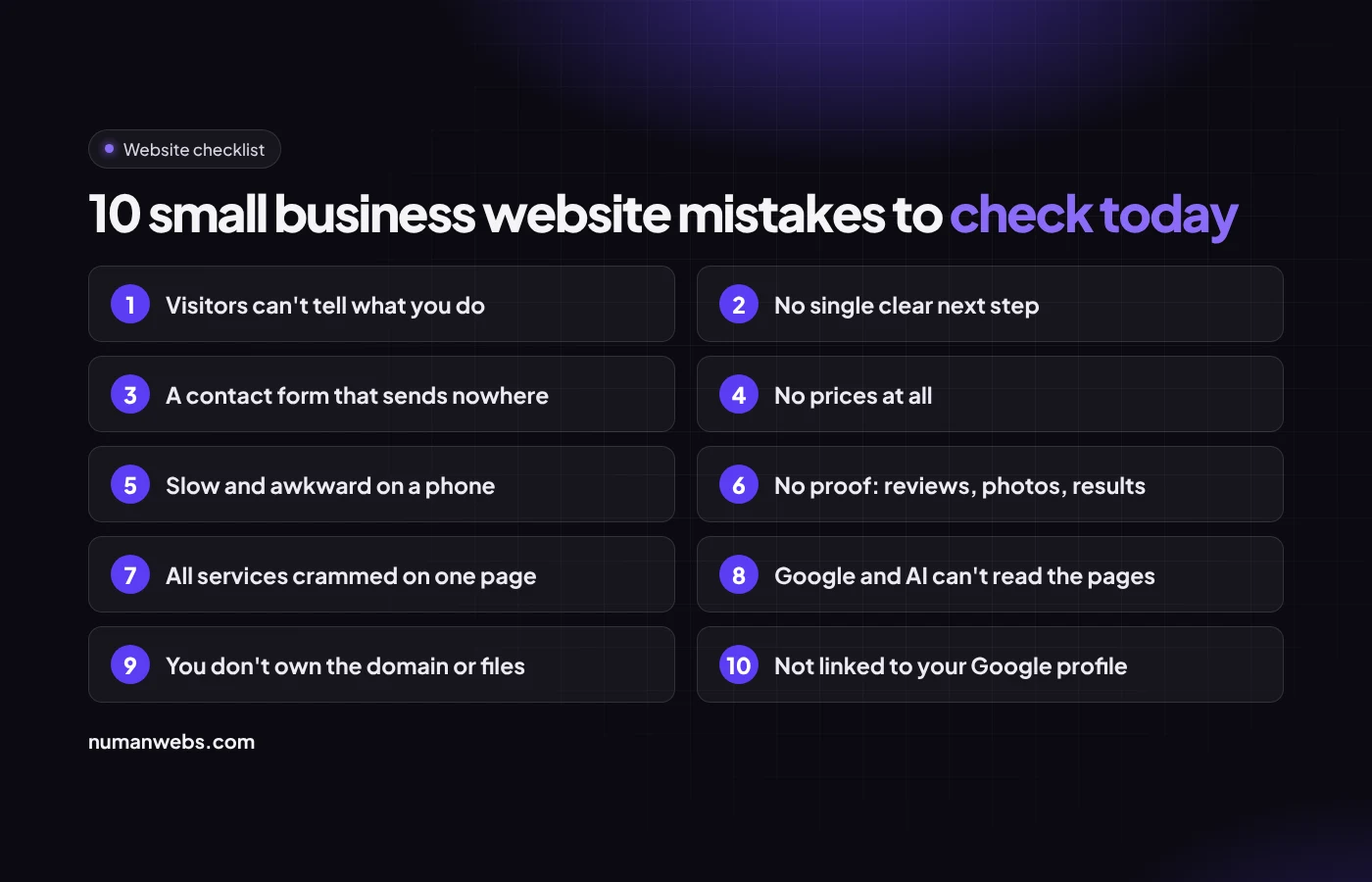
10 small business website mistakes that cost you customers
1. Visitors can’t tell what you do in five seconds
“Excellence in every detail” doesn’t tell anyone anything. A new visitor needs three answers above the fold: what you do, who it’s for, and where you work.
Fix: rewrite your homepage headline as a plain sentence, for example “Family dentist in Austin, open Saturdays.” Put the detail underneath.
2. No single clear next step
“Call us”, “Email us”, “Book online”, “Follow us”, “Download our brochure” all on one screen means the visitor does none of them.
Fix: pick the one action that makes you money (a call, a booking, a quote request) and make it the main button on every page. Everything else can be a smaller link.
3. A contact form that sends to nowhere
This is the most expensive mistake on the list, and the most common one I find. The form says “Thanks, we’ll be in touch!” and the message goes to an old inbox, a spam folder, or nowhere at all.
Fix: fill in your own form today, from your phone, and check the message arrives. Then repeat it once a month. Add a phone number next to the form as a backup.
4. No prices at all
You don’t need a full price list. But “Contact us for pricing” on every service makes people assume you’re expensive, and many will leave rather than ask.
Fix: show a starting price or a typical range, and explain what changes it. Our guide to small business website cost is an example of how to talk about price without locking yourself in.
5. Slow and awkward on a phone
Most of your visitors are on a phone, and Google uses the mobile version of your site for indexing and ranking (mobile-first indexing). Tiny text, buttons too close together and huge images all cost you.
Fix: run your homepage through PageSpeed Insights and look at the mobile result. Google explains the scores in its Core Web Vitals guide. Compress images, remove sliders and pop-ups you don’t need, and make the call button easy to tap.
6. No proof
Stock photos and “We’re passionate about quality” don’t build trust. Real reviews, real photos of your team and work, and real results do.
Fix: add 3 to 5 genuine reviews with names (with permission), photos of your actual premises or projects, and one or two short before-and-after stories.
7. All your services crammed onto one page
One “Services” page listing eight things gives Google, and AI tools like ChatGPT, very little to match against a search like “emergency plumber in Leeds”.
Fix: give each main service its own page, and if you serve several towns, a page for each area. Start each page with a two-sentence answer: what it is, who it’s for, the price range and the area you cover. This is also the groundwork for getting recommended by ChatGPT and Claude.
8. Google and AI tools can’t read your pages
Some sites, especially ones built quickly with AI builders like Lovable, Bolt or v0, send search engines an almost empty page and load the text later with JavaScript. People see a full site; crawlers may see a blank one. Others have a leftover “noindex” setting from development that tells Google to ignore the whole site.
Fix: search site:yourdomain.com on Google. If key pages are missing, read our guide on why AI-built websites don’t show up on Google, which includes a 2-minute test.
9. You don’t own your domain, hosting or files
If the domain is registered in your old designer’s name, or the site only exists inside an agency’s account, you don’t really own your website. Leaving can mean starting again.
Fix: make sure the domain is in your name, you have the logins for hosting, and you can export your content. Ask for this in writing before any project starts.
10. Not connected to your Google Business Profile
For local businesses, your Google Business Profile often gets more views than your website. If it doesn’t link to your site, or shows a different phone number or opening hours, you lose people and confuse Google.
Fix: link your profile to your website and make your name, address, phone number and hours identical on both, and on any directory you’re listed in.
The 15-minute self-audit
Open your website on your phone and go through this list:
- Can a stranger tell what you do and where, without scrolling?
- Is there one obvious button to call, book or get a quote?
- Send yourself a message through the contact form. Did it arrive?
- Can visitors see at least a starting price?
- Does the page load quickly on mobile data?
- Are there real reviews and real photos?
- Does each main service have its own page?
- Do your key pages show up for
site:yourdomain.comon Google? - Is the domain registered in your name?
- Does your Google Business Profile link to the site, with matching details?
Two or three “no” answers are normal and fixable. Five or more usually means the site is costing you customers every week.
Fix it or rebuild it?
If the site is on a platform you can edit, and the problems are mostly words, buttons and settings, fix it. Most of the list above is an afternoon’s work.
If it’s slow at its core, can’t be indexed, or you don’t own it, a rebuild is often faster and cheaper than patching. A small business site doesn’t have to take months; see how long it really takes to build a website.
FAQ
What is the biggest website mistake small businesses make?
A contact form that doesn’t deliver messages. Every other mistake loses some visitors; a broken form loses the people who were ready to buy. Test it today.
How do I know if my website is costing me customers?
Run the 15-minute self-audit above. Then compare your enquiries with your traffic: if people visit but rarely call or fill in the form, the problem is usually clarity, the next step, or trust.
Do I need a new website or can I fix my current one?
If you own it and can edit it, start by fixing the words, buttons, form and Google Business Profile link. Rebuild if it’s slow at its core, Google can’t read it, or you don’t control the domain.
Do these mistakes affect ChatGPT and AI search too?
Yes. AI tools need to read your pages and find clear answers about what you do, where, and for whom. Mistakes 1, 7, 8 and 10 hurt AI visibility as much as Google rankings.
Want a second pair of eyes on your website?
If you’d rather have someone else check, we’ll look at your site and send you a short list of what’s costing you enquiries. It’s free and there’s no call needed.
When you need more than a list: Launch gets a one-page site live in 48 to 72 hours for $199, Launch Pro covers up to 7 pages with a blog and full SEO for $499, and Rescue fixes a site built with an AI builder for $399. Fixed prices, and you own everything. See pricing.
Get your free website check → We reply within 1 hour.
About the author: Numan Habib is the founder of numanwebs, a web design and AI SEO studio in Lahore, Pakistan, working with clients worldwide. He has launched 233+ websites and helps small businesses get found on Google and recommended in AI answers.