

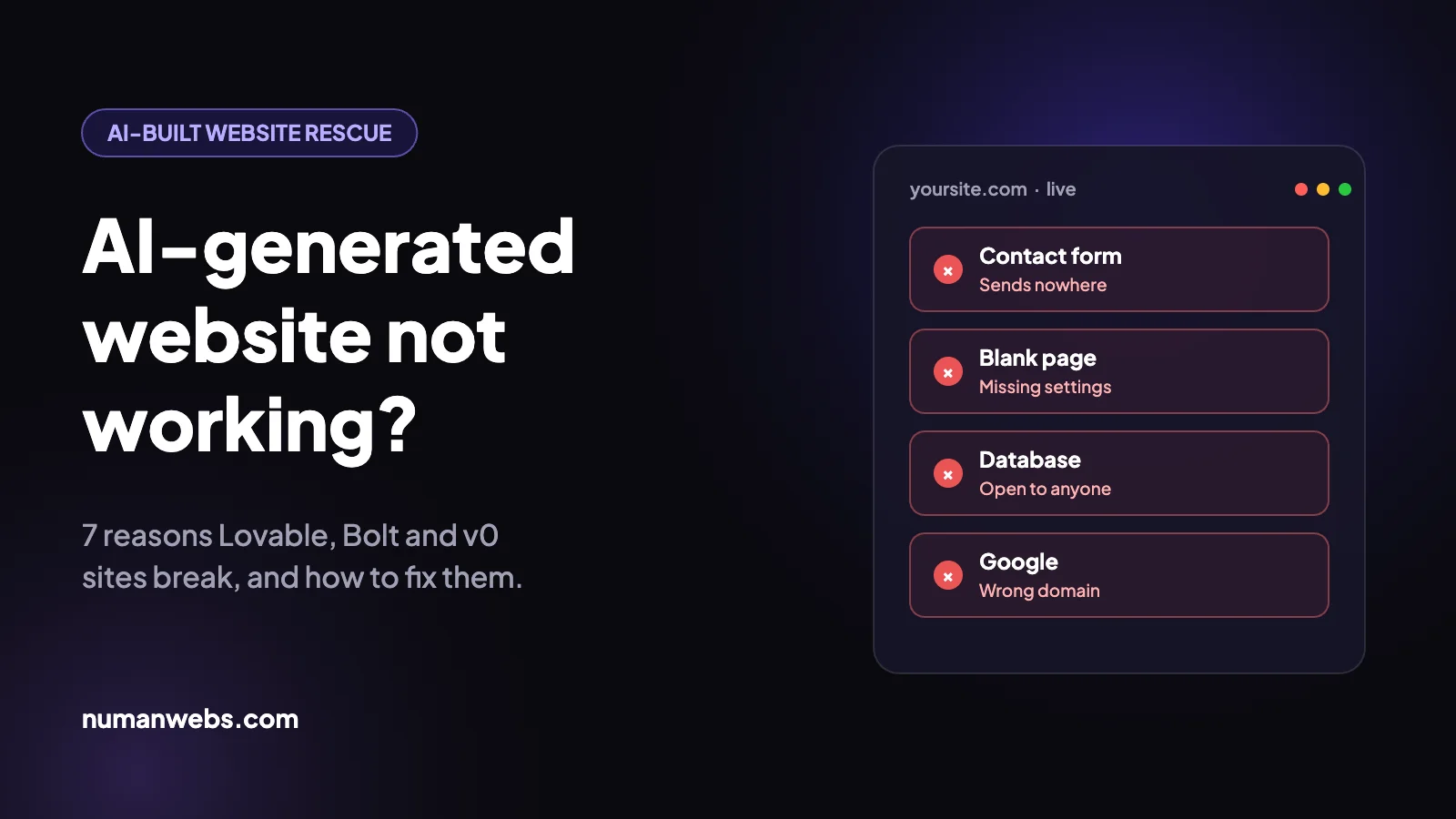
Short answer: an AI-generated website usually stops working for one of a few predictable reasons. Settings that worked in the builder’s preview are missing on the live site, the database or login was never set up for real users, the contact form sends nowhere, or the site points search engines at the builder’s address instead of yours. Each one has a clear fix. This guide shows you how to find which one you have in about 15 minutes.
Tools like Lovable, Bolt, v0 and Replit can build a good-looking site in an afternoon. The problems start the day real visitors arrive. If your AI-generated website is not working the way it did in the preview, you are not alone, and it is rarely a sign you need to start over.
In this guide:
- Why AI-generated websites break after launch
- 7 common reasons an AI-generated website is not working
- The 15-minute check
- Fix it or rebuild it?
- FAQ
Why AI-generated websites break after launch
The preview inside your AI builder is a friendly place. Keys and settings are filled in for you, requests to other services are passed through quietly, and you are the only user.
The live site is different. It runs on real hosting, under your own domain, with real visitors, and with browser security rules switched on. Anything the preview was doing for you now has to be set up properly. That gap is why the same site can look perfect on Friday and fail on Monday.
There is a second reason: every new prompt can rebuild large parts of the site. A fix you made last week can quietly disappear when you ask the AI to change a button colour.
7 common reasons an AI-generated website is not working
An independent audit of 20 live apps built with Lovable, Bolt, v0 and Cursor found the same problems again and again. You can read the full audit here. These are the ones we see most when business owners send us their sites.
1. Settings missing on the live site (blank pages and errors)
Your site may rely on secret settings, such as API keys or your database address, that exist in the builder but were never added to your hosting. The result is a white screen, a spinner that never stops, or features that silently do nothing.
Fix: list every setting the site uses and add each one to your hosting provider’s environment settings. Keep secret keys on the server, never in the code that runs in the browser.
2. The database is open, or not connected
Many AI-built sites use Supabase as their database. If the connection details are missing on the live site, data simply doesn’t load. If the security rules were skipped, anyone can read data they shouldn’t. In the audit, 5 of 20 apps had their database open this way, and 2 exposed a secret key in the browser.
Fix: confirm the connection details are set on the live site, then turn on and test Supabase’s row level security before any real customer data goes in.
3. Logins that break with real users
Login works for you in the preview, then real users get logged out, stuck in a loop, or locked out after a few hours. This usually means sessions were never set up to refresh.
Fix: add proper session refresh, and test with two or three accounts at the same time, not just your own.
4. The contact form looks fine but sends nowhere
This is the most expensive one for a small business, because you never find out. The form shows “Thanks, we’ll be in touch”, but no email arrives. In the same audit, 7 of 20 sites had no working way for visitors to contact the owner at all.
Fix: fill in your own form today and check the email arrives. Connect it to a real email service or form tool, and add your phone number and email in plain text as a backup.
5. Search engines are sent to the wrong address
14 of the 20 audited sites told search engines that the “real” version of each page lived on the builder’s preview address, not the owner’s domain. 12 of 20 had other basic SEO gaps: no meta description, no social preview image, or a sitemap listing pages that don’t exist.
Fix: make sure every page’s canonical tag points to your own domain (Google explains how canonical URLs work), give each page its own title and description, and submit a clean sitemap. If your pages don’t show on Google at all, read why AI-built websites don’t show on Google.
6. Analytics installed but not tracking
9 of 20 sites had analytics code that wasn’t actually recording visits, often because it was dropped during a layout change or only loaded on the homepage. You can’t fix what you can’t see.
Fix: open your analytics in real time, visit three different pages on your phone, and check each visit appears.
7. Fixes that undo themselves
None of the 20 apps had any monitoring. Because each new prompt can rebuild parts of the site, problems you already fixed can come back without anyone noticing.
Fix: after every big change, rerun the 15-minute check below. Better still, once the site is stable, stop editing the live version with prompts and make changes in a copy first.
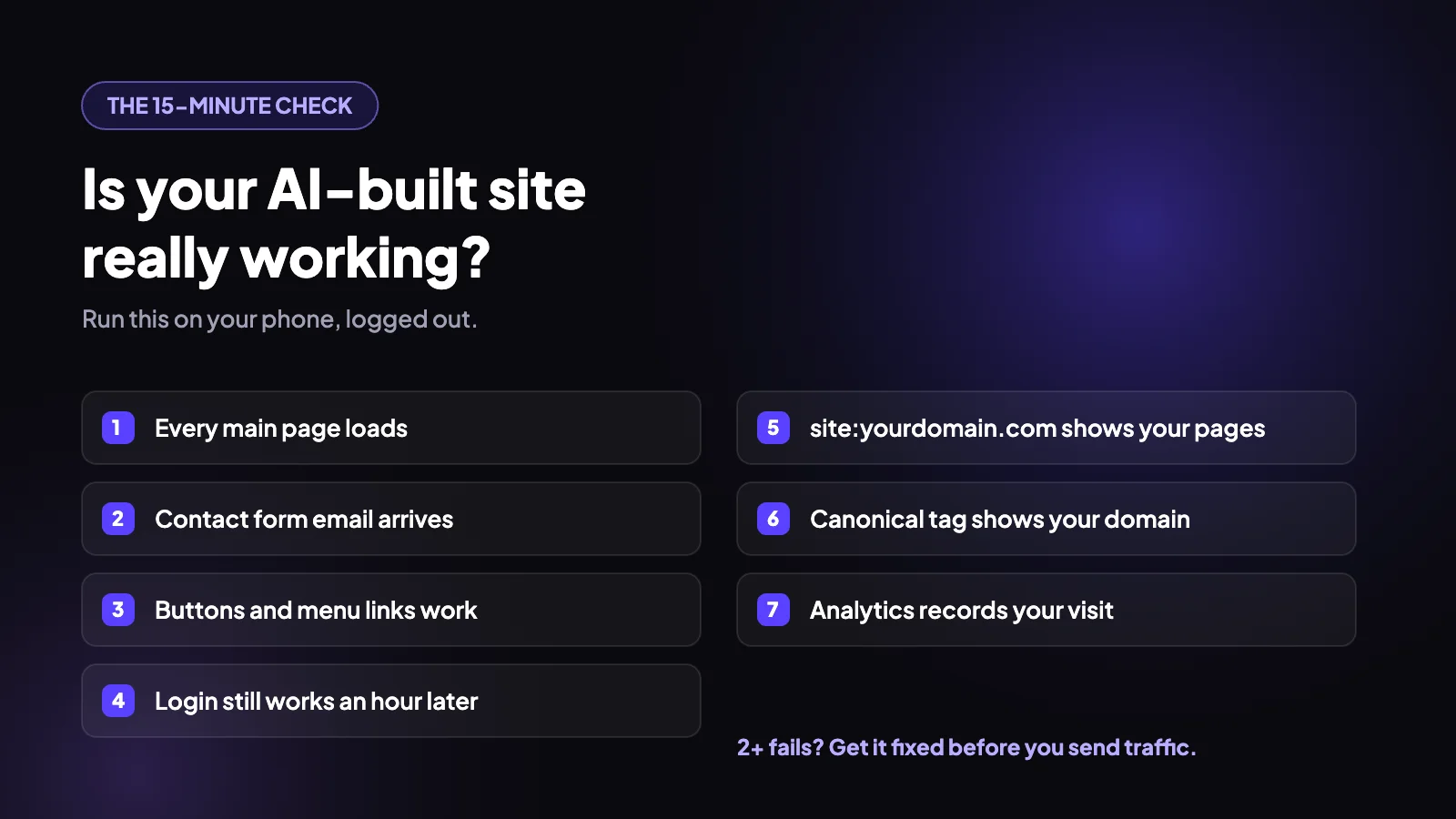
The 15-minute check
Do this on your phone, logged out, in a private browser window:
- Load every main page. Any white screens, endless spinners or broken images?
- Send yourself a message through the contact form. Did the email arrive within five minutes?
- Click every button and menu link. Do they go where they should?
- Sign up or log in, if your site has accounts. Are you still logged in an hour later?
- Search Google for
site:yourdomain.com. Do your pages appear under your own domain? - View the page source and search for “canonical”. Does it show your domain, not the builder’s?
- Check your analytics in real time while you browse. Do your visits show up?
If everything passes, your AI-generated website is in good shape. If two or more fail, it’s worth getting a proper fix before you spend money sending people to it.
Fix it or rebuild it?
Most AI-built sites can be fixed. Rebuilding only makes sense when:
- the site depends on search traffic but crawlers can’t read its pages (see our guide on AI-built sites and Google),
- every small text change means re-prompting and hoping nothing else breaks, or
- it’s a simple business website that never needed a database or logins in the first place.
For a typical small business site, a fast rebuild on WordPress or Framer is often quicker and cheaper than patching. Our guide on how long it takes to build a website shows why a proper rebuild can still take days, not weeks.
FAQ
Why does my Lovable site work in preview but not when published?
The preview fills in settings, keys and connections for you. The published site runs on real hosting with stricter browser security, so anything that wasn’t set up for production, like environment settings, database connections or login sessions, stops working.
Why is my AI-generated website showing a blank white page?
A blank page usually means the site’s code failed to load something it needs, most often a missing setting such as an API key or database address on the live hosting. Your browser’s console will show the exact error.
Why isn’t my contact form sending emails?
AI builders often create a form that looks finished but isn’t connected to an email service. Test it yourself, then connect it to a real email or form provider and add your email address on the page as a backup.
Can an AI-built website be fixed, or do I need to start over?
Most can be fixed in a few days. A rebuild is only worth it when the site can’t be read by search engines, is too fragile to edit, or uses an app setup a simple business site doesn’t need.
Want us to fix your AI-generated website?
Our Rescue service fixes websites built with Lovable, Bolt, v0 and Replit: broken pages, contact forms, logins, database security, speed, and Google and AI visibility, with migration if needed. $399 fixed price, usually done in 3 to 7 days. See all pricing.
Send us your site for a free check → We’ll run the 15-minute check for you and tell you what’s broken and the quickest way to fix it. We reply within 1 hour.
About the author: Numan Habib is the founder of numanwebs, a web design and AI SEO studio in Lahore, Pakistan, working with clients worldwide. He has launched 233+ websites and rescues AI-built sites that look finished but don’t work for real visitors.